
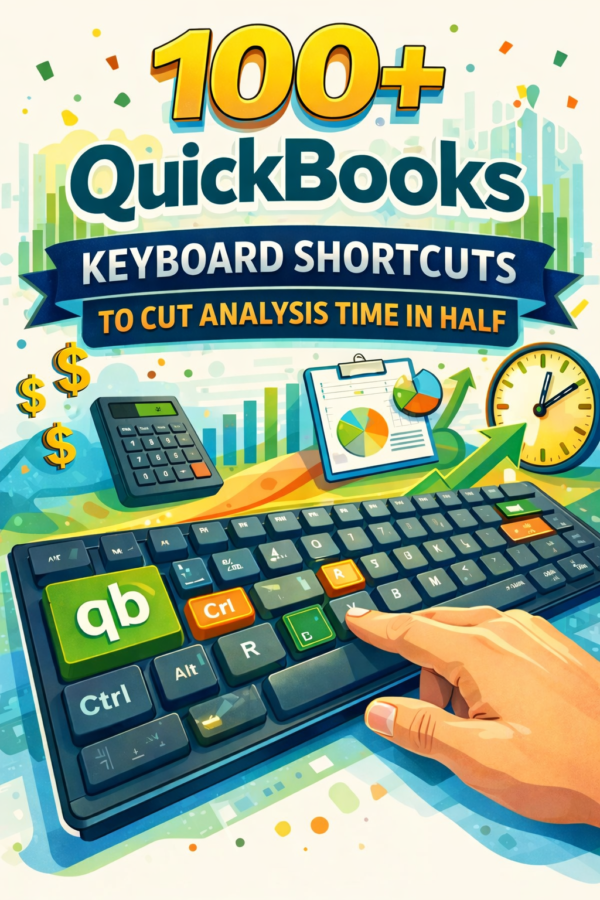
100+ QuickBooks Keyboard Shortcuts to Cut Analysis Time in Half
$8.95
Product Description
A Digital Workbook & Quick-Reference Template for Faster, More Efficient Accounting Workflows
QuickBooks is one of the most widely used accounting and bookkeeping platforms in the world—but for many users, it can feel slow, repetitive, and inefficient. Accountants, bookkeepers, small business owners, and finance professionals often spend unnecessary time clicking through menus, navigating multiple screens, and repeating the same actions day after day.
Most QuickBooks users rely heavily on their mouse, not because it’s the best way to work, but because they don’t know the keyboard shortcuts that dramatically speed up everyday tasks. As a result, routine activities like entering transactions, navigating reports, reconciling accounts, correcting errors, and reviewing financial data take far longer than they should. Over time, this lost time adds up to reduced productivity, higher stress, and missed opportunities to focus on higher-value work.
100+ QuickBooks Keyboard Shortcuts to Cut Analysis Time in Half is a practical, easy-to-use digital workbook/template designed to help you work faster, smarter, and more confidently inside QuickBooks. This resource removes guesswork by giving you instant access to the most useful, time-saving keyboard shortcuts—organized for real-world accounting and bookkeeping workflows.
Instead of searching online, memorizing commands, or slowing down your process, you’ll have a structured shortcut reference that helps you navigate QuickBooks efficiently, reduce repetitive actions, and boost accuracy from day one.
What’s Included
This digital download workbook/template delivers immediate, actionable value:
- 100+ essential QuickBooks keyboard shortcuts
- Shortcuts organized by function and task category
- Coverage for transaction entry, reporting, navigation, reconciliation, and list management
- Clear explanations of what each shortcut does and when to use it
- A clean, printable QuickBooks shortcuts cheat sheet
- Digital-friendly layout for on-screen reference while working
- Designed for QuickBooks beginners and experienced users
- Reusable workbook you can reference across multiple clients or businesses
How It Helps You
This workbook/template is built to improve productivity—not just provide information. By using this resource, you can:
- Speed up bookkeeping and accounting tasks
- Reduce reliance on mouse clicks and menu navigation
- Navigate QuickBooks reports and dashboards faster
- Improve workflow efficiency and accuracy
- Save time during month-end and year-end processes
- Work more confidently with financial data
- Focus on analysis, strategy, and decision-making instead of repetitive tasks
Whether you’re managing business finances, working with clients, or handling internal accounting operations, mastering QuickBooks keyboard shortcuts gives you a clear professional advantage.
Instant Access & Value You’ll Gain
This is a digital download, meaning you receive instant access immediately after purchase—no shipping, no waiting, no installation required. Within minutes, you’ll have a powerful productivity tool ready to use during your next QuickBooks session.
If you buy this product, the value you gain is time, efficiency, and confidence. Each shortcut you use saves seconds or minutes per task—multiplied across days, weeks, and months of financial work. Compared to costly training programs or time-consuming tutorials, this workbook delivers fast, practical value with long-term benefits.
Download now and start cutting your QuickBooks workflow time in half with proven keyboard shortcuts.


Reviews
There are no reviews yet.